Web Scraping Isn't a Proxy Problem Anymore
 ScrapeOps Blog13 min read
Reliable scraping isn't decided by the proxy alone. It comes down to target-level reputation, session and browser identity, and knowing when a 200 response still isn't usable data.
Most proxy problems get diagnosed the same way.
A target starts blocking you, so you rotate the IP. Traffic slows down, so you buy more capacity. The response comes back 200, so you assume the scrape worked.
None of that holds up once a scraper runs at real, sustained volume.
In Geonode's AMA with r/WebScrapingInsider, the harder questions weren't really about whether "unlimited" proxies are good or bad. They exposed a system underneath that label: a pool can look healthy in aggregate while quietly failing against one target, the same IPs can behave differently once the client's browser identity changes, and a scraping API has to manage sessions and validate responses long after the proxy request itself succeeded.
The proxy turns out to be one variable inside a larger control system. The real problem is knowing which variable actually broke, and what to check next.
As Geonode's CEO and co-founder Jean-Patrick Bisson put it during our recent Reddit AMA:
Reputation is per target, not one number, so an address burned on one retailer is fine everywhere else.
Jean-Patrick is CEO and co-founder of Geonode, a residential proxy and scraping API provider that operates its own network rather than reselling third-party supply. He answered questions in the thread alongside his team, posting under the company's account.
In our ninth r/WebScrapingInsider AMA, we asked Jean-Patrick how target-level reputation actually gets managed, what "unlimited" pricing depends on economically, how Geonode's scraping API handles sessions and browser identity, and where response validation stops being the provider's job.
Here are the six biggest insights from the discussion.
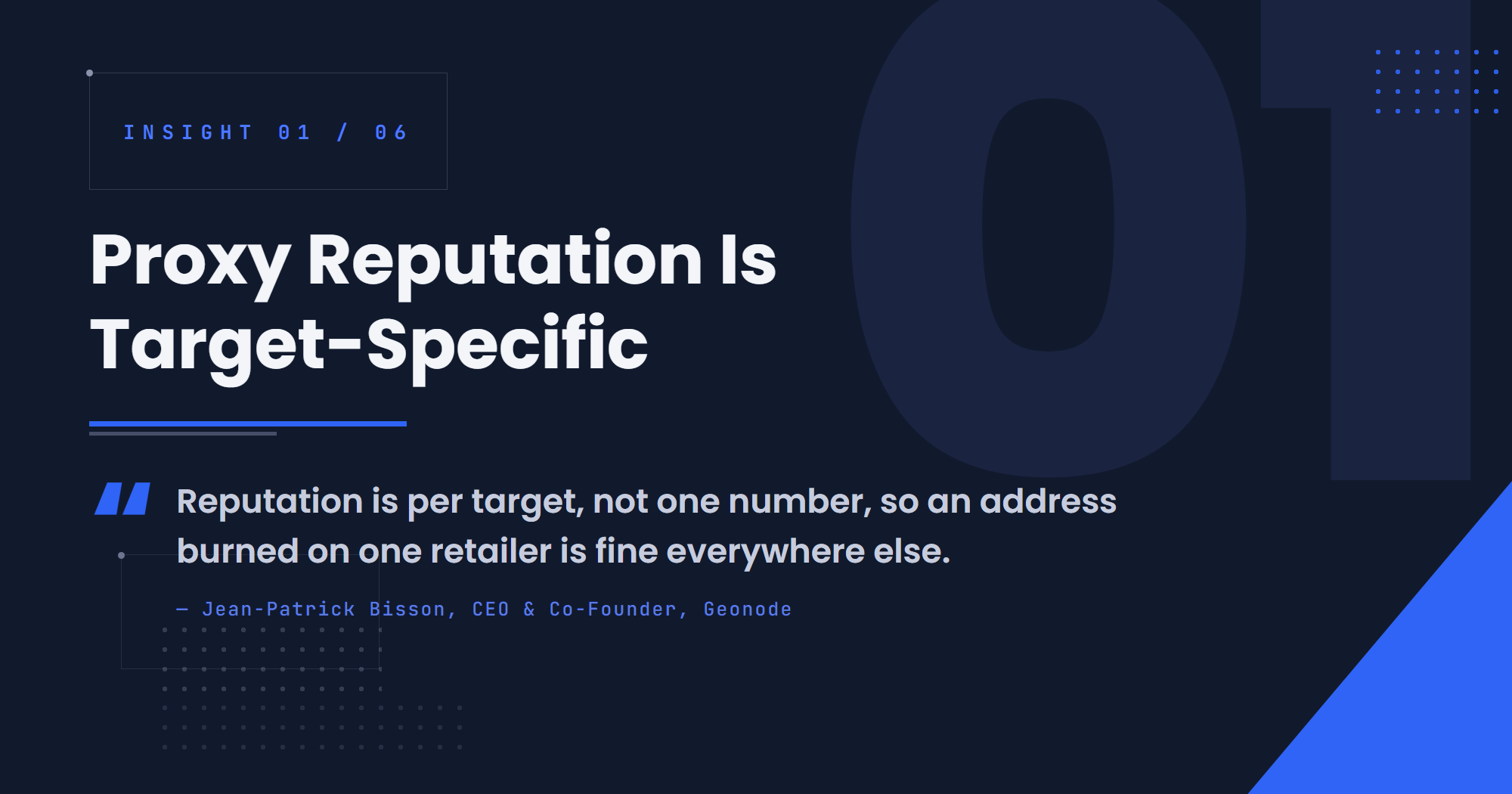
1. Proxy Reputation Is Target-Specific
A proxy pool doesn't have one reputation. It has one for every site it touches.
An address that gets challenged constantly on one retailer's checkout flow can be completely clean on a travel site an hour later. Most teams still watch a single number instead: overall success rate.
A redditor working on infrastructure for an enterprise platform asked what stops heavy "unlimited" usage from quietly burning through IP reputation against one target, and how a team would even detect it before something broke.
We watch the challenge rate per domain, not aggregate success. It means you can sit at 93% overall while one target quietly goes from 5% challenges to 60%. When that starts we cap traffic to that domain instead of pushing harder and switch engine and exit country for it.
Aggregate success didn't move in that example. The failure only showed up at the target level, which is exactly the number most teams aren't watching.
That's also why one customer's usage doesn't stay contained to their own account:
And yes, one heavy customer can make a target harder for the next one, that's true. The control that matters there is per-target, not per-account.
Shared infrastructure means reputation against a given domain is a resource the whole pool spends together, not a property that belongs to one account. Geonode's response isn't to throttle every customer when that happens. It's to react at the domain level, capping traffic and rotating engine or exit country for that one target while leaving the rest of the pool alone.
The signal to watch for is specific, too:
You would see it first as rising challenges on the hardest sites, not as a slower connection.
A degrading pool doesn't necessarily show up as latency. It shows up as your hardest targets getting harder while everything else looks unchanged.

2. Unlimited Pricing Is Really About Workload Shape
"Unlimited" sounds like the limit disappeared. It didn't. It moved.
Most residential proxies charge by the gigabyte. Geonode prices residential by speed instead and its scraping API by concurrent requests. Both still have a ceiling, just expressed differently. A redditor who'd been burned before by a SaaS tool that looked cheap until a team built a workflow around the one feature billed separately asked where this model quietly stops making sense.
The honest version: unlimited fits steady, heavy, boring workloads.
Spiky or small workloads leave purchased capacity idle most of the month, and metered pricing wins there instead. So does one hard target at low volume, where per-GB pricing on a premium pool beats a big unlimited plan.
The tradeoff for the workloads unlimited is built for is a specific kind of flexibility you give up:
The trade-off is bursting, on a metered plan a quiet week lets you slam a big job through on Friday. On speed-based you can't, the line is the line.
That's the real question to ask instead of comparing headline prices: is your traffic roughly flat, or does it arrive in bursts a few times a week? What the meter actually counts matters as much as the ceiling. Geonode's scraping API bills concurrent requests rather than bytes, and doesn't charge for a page it couldn't return. The economics behind that are a tradeoff the provider is making too:
Less profit per customer than metering, but much more predictable for both sides.
Capacity planning follows the same logic from Geonode's side. The company says it sizes its shared pool from past peaks and keeps roughly a quarter of it spare, and watches a different signal than raw utilization:
The number we actually watch isn't utilisation, it's whether anything is waiting at all. Utilisation can sit high for hours and be completely fine.
That distinction matters for the buyer too. High utilization on your own concurrency isn't a red flag by itself. Requests queuing behind it is.

3. Sessions Are Harder Than Browsers
It's tempting to think of a scraping API as proxies plus a headless browser bolted on. A redditor said as much out loud, guessing that a concurrency-priced API is technically harder to run than unlimited residential proxies because it also means managing browsers, anti-bot bypasses and sessions.
Geonode agreed with the premise, then moved the hard part somewhere else entirely.
Yes, it is, browsers aren't even the hard part, sessions are. A proxy request is stateless, but the api has to decide which engine to use per domain, whether an earlier cookie is still valid and whether a 200 response is real content or a block page.
A proxy request doesn't need to remember anything. It fires and it's done. A scraping API can't work that way. Every request carries decisions that depend on what happened before it: which engine handled this domain last time, whether the session's cookies are still trusted, whether the page that came back is actually a page.
Getting any of that wrong has a direct cost:
Get that wrong and you hand someone garbage and bill them for it.
That statefulness isn't just an engineering problem, either. It's a capacity problem, because different browser engines hold onto memory and infrastructure for different amounts of time, which is part of why the API is priced around concurrent requests rather than a simple page count.
Browser choice adds another layer to that math. By Geonode's own account, Firefox sessions use roughly twice the memory of Chrome ones, which is one reason Chrome stays the default even before any anti-bot consideration enters the picture. More on that next.

4. The IP Isn't Always the Blocking Variable
If a block doesn't clear after rotating the IP, the pool is the obvious next suspect.
A redditor asked directly whether Geonode does anything at the TLS or HTTP/2 fingerprint layer on Datadome-fronted targets, or whether it amounts to pure IP rotation and hope. The answer describes an experiment that changed almost nothing except the client's identity.
Not pure IP rotation, on those targets the TLS and HTTP/2 layer is most of the work. We impersonate a real Chrome at the TLS level, so JA3/JA4, extension order, ALPN and the HTTP/2 settings and header order match an actual browser build rather than a Go or Python client. We moved to a newer Chrome build and 429s on a whole class of targets went to zero. Same IPs, nothing else changed.
The target wasn't reacting to the IP at all. It was reacting to everything the client's TLS and HTTP/2 handshake gave away about what kind of software was making the request.
Geonode also flags a specific trap in how people chase this themselves:
One thing if you test this yourself: don't chase JA3. Chrome randomises extension order, so the same browser gives you a different JA3 every request. Use JA4 and the HTTP/2 fingerprint.
A static JA3 hash isn't a stable thing to match, because real Chrome doesn't produce one. When matching a browser identity still isn't enough, Geonode escalates rather than abandoning Chrome across the board:
Chrome is still the default because it's cheaper and most sites don't care. For those few domains, we pin Firefox.
That's a cost decision as much as a stealth one. On a small sample from its own production traffic (32 pages, not a formal benchmark), Geonode says Chrome succeeded on 21 and Firefox on 28, with a handful of sites, including two US car-listing pages and a UK property portal, that only came back through Firefox no matter what changed at the TLS layer. But Firefox isn't free to default to everywhere:
Firefox uses about twice the memory per session. That's why it isn't the default everywhere.
Client identity, in other words, isn't purely a stealth lever. It's a capacity tradeoff too, decided per domain instead of applied uniformly across the pool.
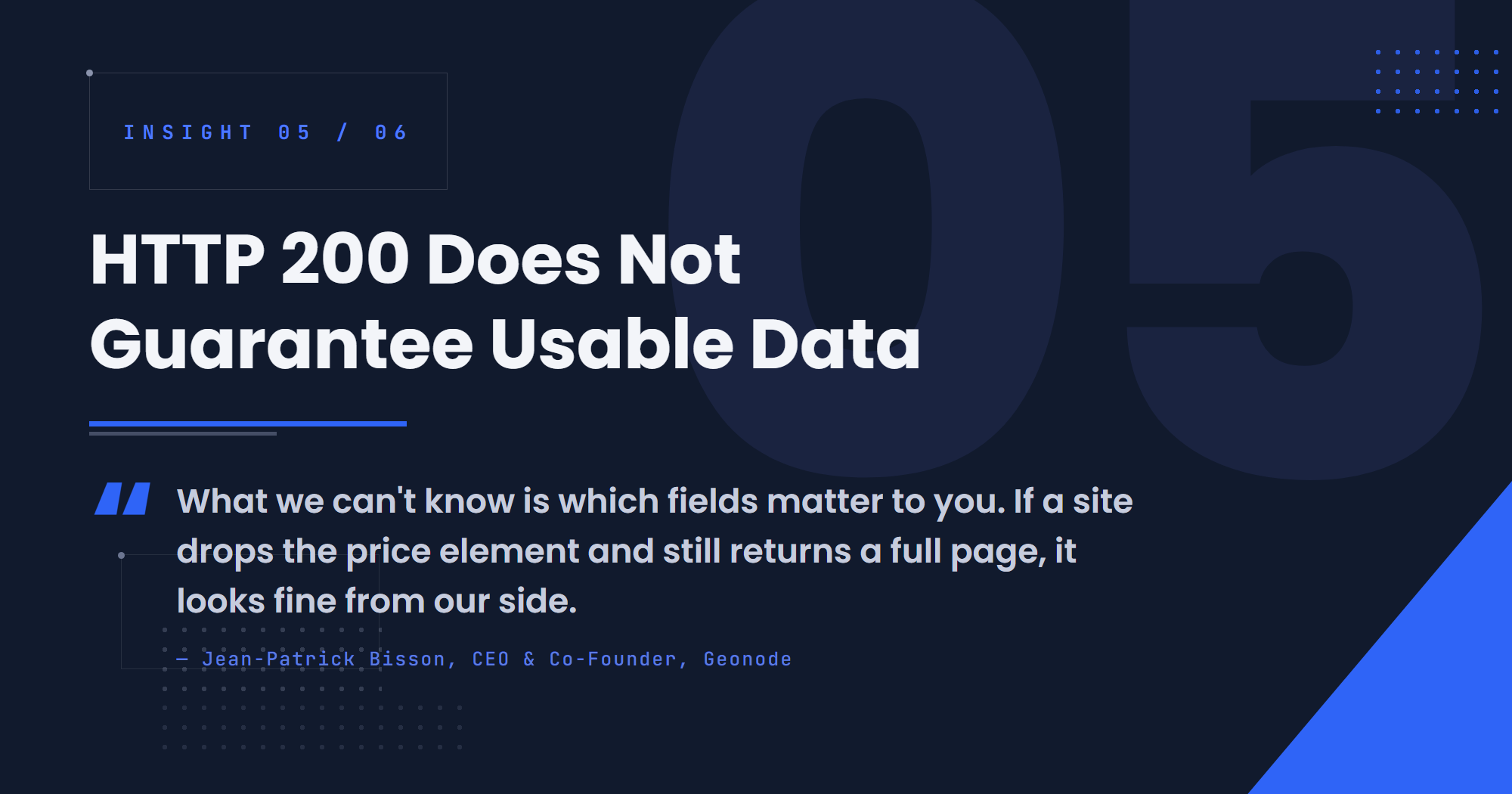
5. HTTP 200 Does Not Guarantee Usable Data
A 200 status code is one of the least informative signals in scraping on its own. It can mean the real page came back. It can also mean a challenge screen or an empty shell came back with a perfectly healthy status code attached.
Someone who runs scraping and reporting for their team, not a developer, asked the sharper version of this question: does Geonode's API alert on missing fields and completeness, or only on failed requests? Their fear wasn't a failed request. It was the 200 that's quietly wrong and sits in a client deck for three weeks before anyone notices.
We catch the 200 that isn't a page: challenge screen, block page, empty shell. We look at the shape of the body, not the status code, and those come back as failures.
That's real validation, and it catches a meaningful class of failures before they reach the customer. But it has a hard boundary:
What we can't know is which fields matter to you. If a site drops the price element and still returns a full page, it looks fine from our side.
A page can pass every check a provider can run and still be missing the one field a pipeline actually needs. Geonode's own suggested fix moves the metric up a level, from the transport to the dataset:
That check is yours today and I would make it 'what share of rows had the field I need' rather than HTTP errors.
That reframes what "success" should mean. A response that clears the provider's checks is a necessary condition, not a sufficient one. Whether the dataset is actually usable is a question only the team consuming it can answer.

6. Don't Use a Browser Until You Know You Need One
Browser automation is the expensive default. It holds memory, carries session state, and adds a whole extra category of failure a plain HTTP request doesn't have.
A redditor asked a lighter, more curious question about the daily tools Geonode's team has quietly added to its workflow over the past year. The answer doubled as a warning against reaching for a browser too early.
Half the sites that look like they need a browser are just hitting a JSON endpoint with a signature, so hooking fetch and XMLHttpRequest to log requests is ten lines and has saved us weeks.
A complex, JavaScript-heavy interface doesn't automatically mean the data behind it is hard to reach. A lot of the time there's a plain JSON request underneath, and it's reproducible without ever opening a browser.
Daily tools are curl_cffi for TLS impersonation, camoufox when Chrome gets refused and Firefox doesn't, and a public TLS fingerprint echo to see what our client actually looks like on the wire.
None of that argues against browsers. Geonode still escalates to Chromium, then a Firefox-based build, when a target genuinely requires it, exactly as the previous section described. The point is sequencing: diagnose what the page is actually doing before adding the heaviest, most expensive layer available.
Conclusion: Stop Asking Whether the Proxy Is Good
The AMA opened with a straightforward commercial question: can "unlimited" proxies actually work?
The more useful answer is that the question is incomplete. A proxy pool can be healthy in aggregate while failing against one target. Unlimited pricing can be the right call for one workload and a waste of money for another. A scraping API can have all the proxy capacity it needs and still lose to session management. The same IPs can behave completely differently once the client identity changes. And a 200 response can still hand you a dataset missing the one field you actually needed.
The common thread is control, not proxies. Reliable scraping means knowing which layer actually failed and changing that layer, instead of reflexively rotating IPs or bolting on more infrastructure.
The less useful questions are the ones a proxy pricing page is built to answer:
- How many proxies do you have?
- Is the plan unlimited?
- What's your overall success rate?
- Did the scraper return HTTP 200?
The better ones are the ones this AMA actually answered:
- How does performance vary per target?
- What happens to challenge rates as workload increases?
- Which client identity is succeeding against this target right now?
- What percentage of returned rows contain the fields you actually need?
As Jean-Patrick put it when the conversation turned from pricing models back to the actual engineering behind them:
Before writing a scraper, open devtools and watch what the page calls.
Start there before adding proxies, sessions or a browser: find out what the target is actually doing, then decide which layer needs fixing.
Then check out ScrapeOps, the complete toolkit for web scraping.