4 posts tagged with "browser fingerprinting"

View All Tags

· 25 min read

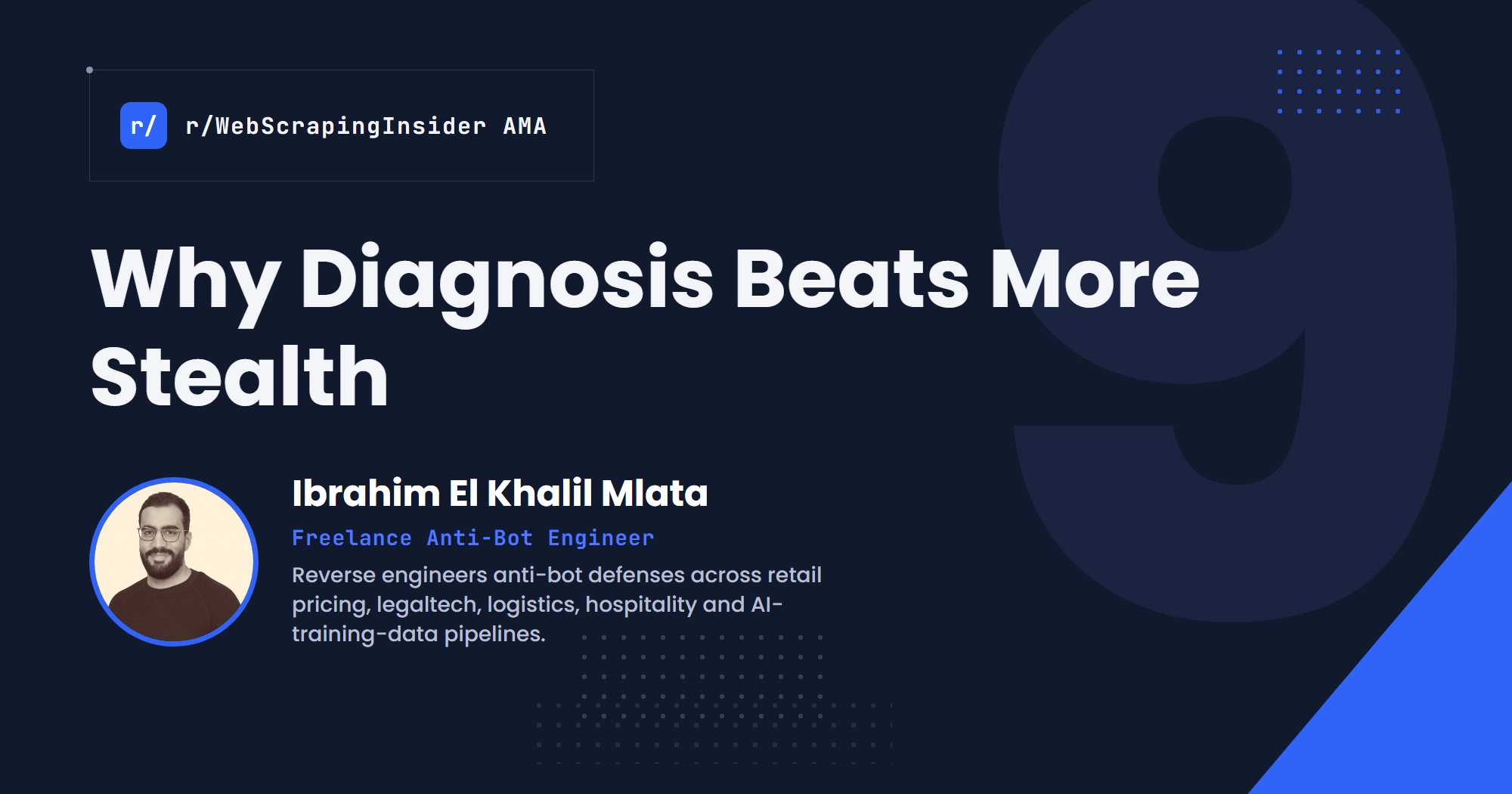
Why Diagnosis Beats More Stealth: Lessons From 7 Years of Reverse Engineering Anti-Bot Systems

From the AMA

Experienced scraping engineers get better results by diagnosing what actually failed, keeping sessions consistent and choosing complexity carefully, not by stacking on more stealth.

Your scraper gets blocked. So you swap the proxies.

Still blocked. You add a stealth plugin, then a new browser, then a CAPTCHA solver.

Each change feels like progress. But each one is a guess, and some of those guesses make things worse. A scraper that rotates its fingerprint every few requests can get blocked faster than one that changes nothing.

The engineers who get consistent results start somewhere else. Before they change anything, they work out what actually failed, and ask one question: does this change address the actual cause?

As freelance anti-bot engineer Ibrahim El Khalil Mlata put it during our recent Reddit AMA:

Ibrahim is a web scraping and anti-bot engineer based in Algeria who has spent the last seven years reverse engineering anti-bot defenses across retail pricing, legaltech, logistics, hospitality and AI-training-data pipelines. Among the work he has done: running 1,000+ spiders across 300 retailers, reviving a dead 160-spider fleet, matching 100K+ hotel reviews a month, and taking mobile apps apart with Frida when the website is locked down. You can find his work on GitHub.

In our eleventh r/WebScrapingInsider AMA, we asked Ibrahim how he diagnoses blocks, when reverse engineering is worth the effort, and what keeps a scraping system useful once it is in production.

Here are the nine biggest insights from the discussion.
· 16 min read

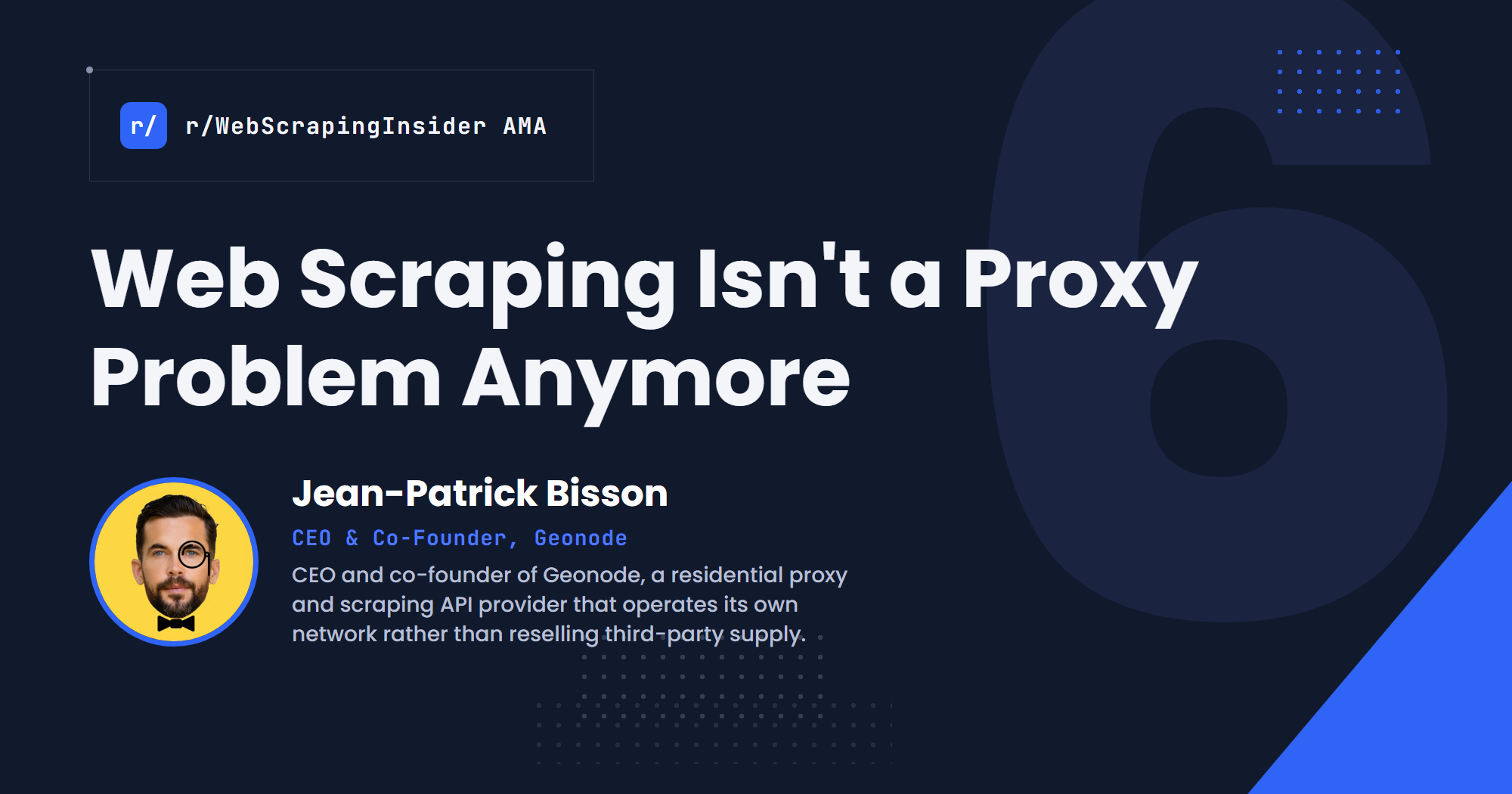
Web Scraping Isn't a Proxy Problem Anymore

From the AMA

Reliable scraping isn't decided by the proxy alone. It comes down to target-level reputation, session and browser identity, and knowing when a 200 response still isn't usable data.

Most proxy problems get diagnosed the same way.

A target starts blocking you, so you rotate the IP. Traffic slows down, so you buy more capacity. The response comes back 200, so you assume the scrape worked.

None of that holds up once a scraper runs at real, sustained volume.

In Geonode's AMA with r/WebScrapingInsider, the harder questions weren't really about whether "unlimited" proxies are good or bad. They exposed a system underneath that label: a pool can look healthy in aggregate while quietly failing against one target, the same IPs can behave differently once the client's browser identity changes, and a scraping API has to manage sessions and validate responses long after the proxy request itself succeeded.

The proxy turns out to be one variable inside a larger control system. The real problem is knowing which variable actually broke, and what to check next.

As Geonode's CEO and co-founder Jean-Patrick Bisson put it during our recent Reddit AMA:

Jean-Patrick is CEO and co-founder of Geonode, a residential proxy and scraping API provider that operates its own network rather than reselling third-party supply. He answered questions in the thread alongside his team, posting under the company's account.

In our ninth r/WebScrapingInsider AMA, we asked Jean-Patrick how target-level reputation actually gets managed, what "unlimited" pricing depends on economically, how Geonode's scraping API handles sessions and browser identity, and where response validation stops being the provider's job.

Here are the six biggest insights from the discussion.
· 17 min read

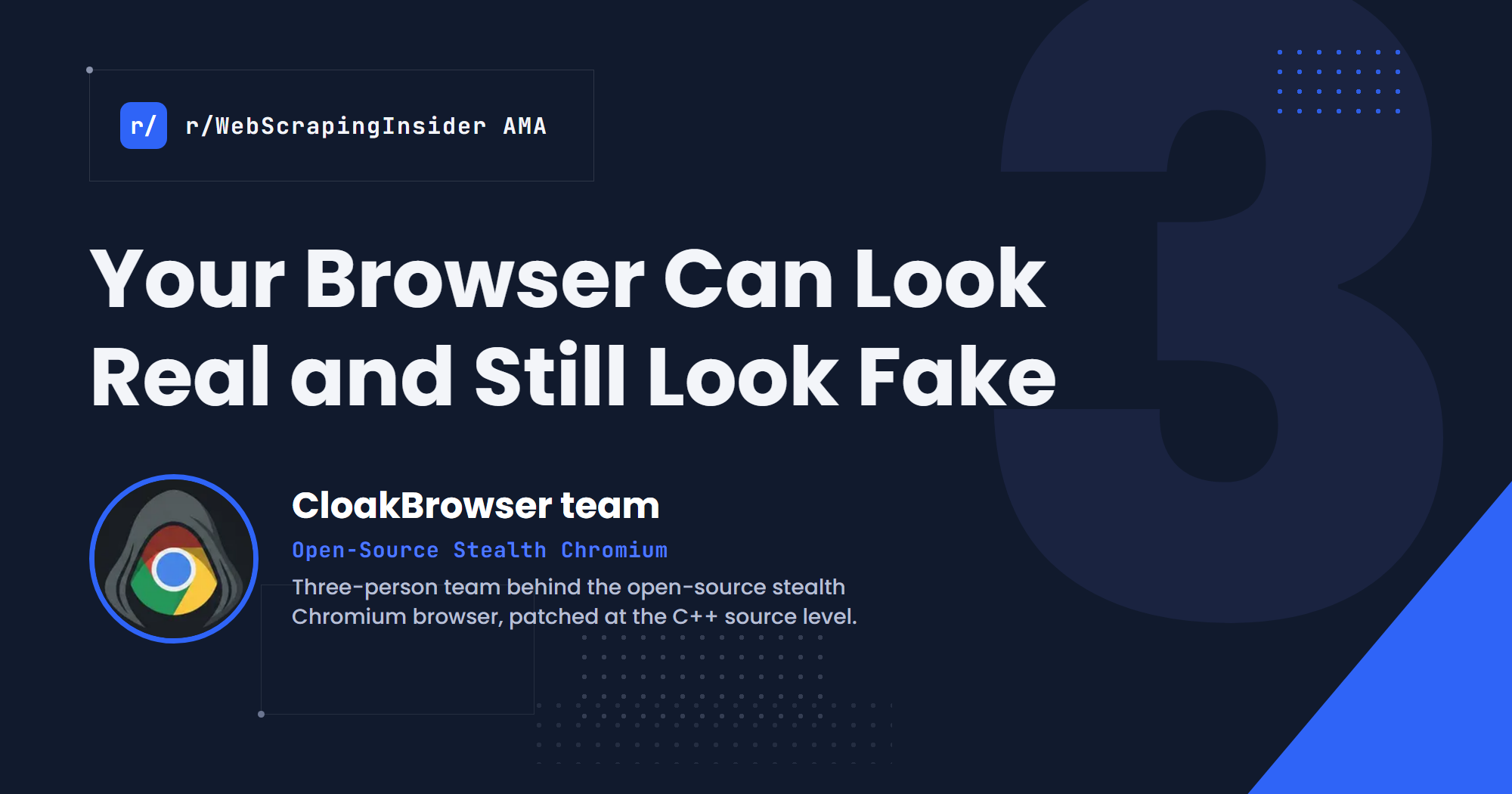
Your Browser Can Look Real and Still Look Fake

From the AMA

A stealth browser is not judged only by whether one fingerprint looks like Chrome, but by whether its generated population, network identity and runtime behavior keep describing the same believable machine.

The usual way to think about browser stealth is a checklist. Make every browser look different from the next one. Patch the fingerprint surfaces a detector reads. Keep changing the values that might give away automation.

The CloakBrowser AMA points somewhere harder. A browser can be unique without looking real. A change meant to hide automation can make the browser stranger than the machines it is trying to blend into.

And the fingerprint is only one layer. The same browser can fail because the IP was never going to pass, because its profile and fingerprint have drifted into two different identities, or because it behaves unlike stock Chrome once a page goes into the background.

So the thing being graded is not really a bag of browser properties. It is a whole session, and its network identity, browser identity, stored state and behavior all have to agree with each other.

What makes the AMA worth reading is that the team does not present this as solved. They describe patches they shipped and then deleted, production failures they could not explain at first, experiments that ran for days, and one answer they corrected after another practitioner pushed back.

As the CloakBrowser team put it during our recent Reddit AMA:

The AMA was hosted around CloakBrowser, a Chromium binary with fingerprint patches applied at the C++ source level rather than injected from JavaScript, wrapped as a drop-in replacement for Playwright and Puppeteer. The team is three people and stays behind the brand deliberately, since anti-bot vendors watch projects like this. The responding lead engineer describes close to 30 years in software, most of it in defense and embedded work, with time in telecom, finance, real-time systems and driver development. They say the browser started as an internal tool: a client needed heavy automation against a CRM with reCAPTCHA in front of it, nothing on the market stayed stable, so they built their own and ran it for over a year before releasing it.

That background matters because the strongest answers in the thread are about low-feedback debugging and production regressions, not product features.

In our third r/WebScrapingInsider AMA, we asked the CloakBrowser team how a stealth browser gives itself away at population scale, why the browser is often the wrong thing to debug, and how you test something whose only feedback is pass or fail.

Here are the six biggest insights from the discussion.
· 25 min read

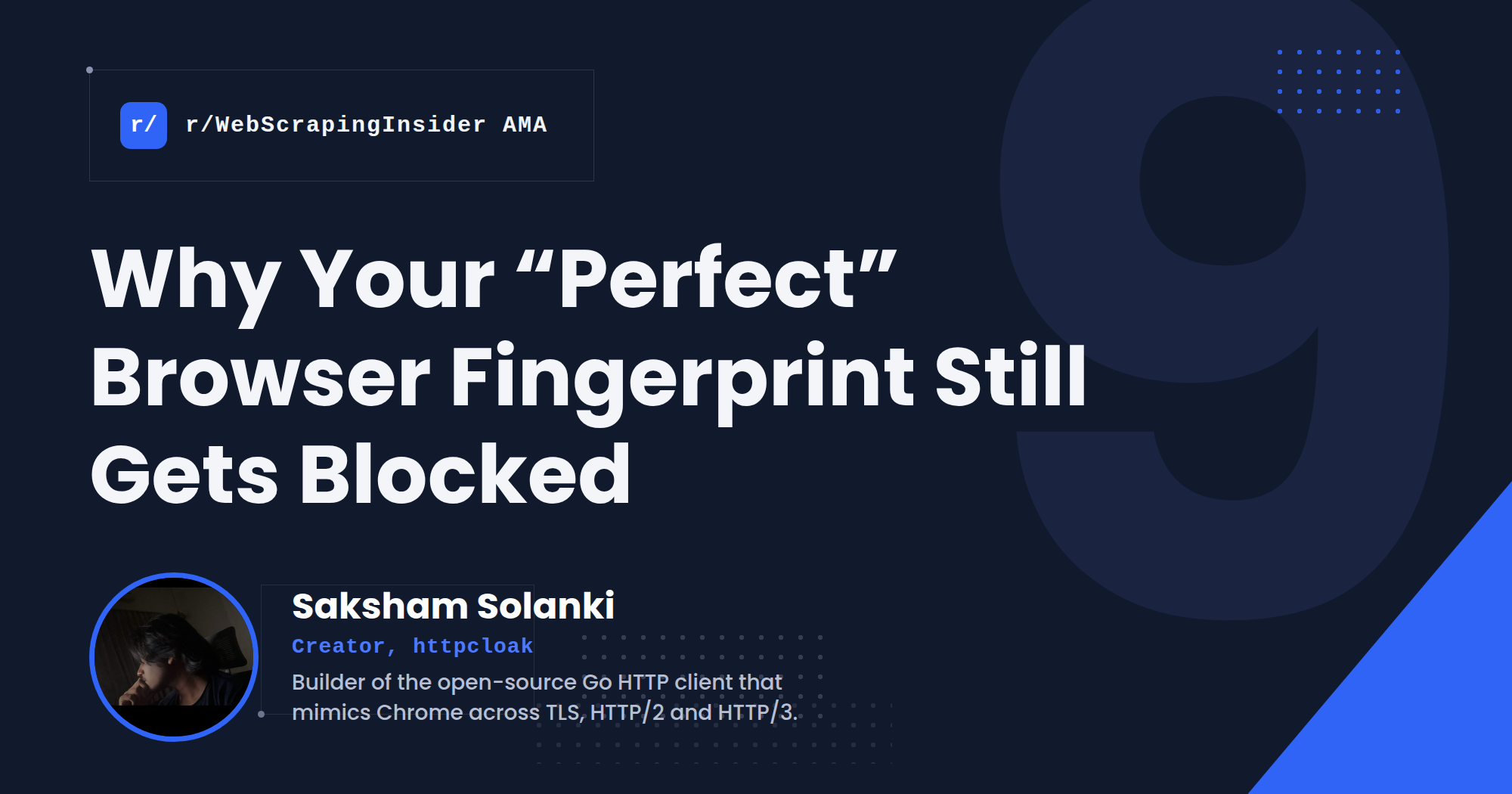
Why Your "Perfect" Browser Fingerprint Still Gets Blocked

From the AMA

A scraper is not judged only by whether its fingerprint looks like Chrome, but by whether its IP, cookies and connection history continue to describe the same believable browser.

When a scraper starts getting blocked, the standard advice is predictable.

Change the User-Agent. Add the missing headers. Rotate the proxy. Generate new cookies. Try another Chrome profile. If none of that works, rotate everything more often.

But every one of those components can look valid on its own while becoming contradictory when combined. A Chrome User-Agent can be paired with the wrong TLS behavior. A valid cookie can appear from the wrong IP. One persistent cart token can jump between five supposed devices.

That problem becomes more visible at production scale. One request may look perfectly ordinary. A thousand sessions following the same sequence, timing and teardown can reveal the automation template behind them.

As Saksham Solanki, creator of the open-source HTTP client httpcloak, put it during our recent Reddit AMA:

Saksham built httpcloak, a Go HTTP client designed to reproduce browser behavior across TLS, HTTP/2, HTTP/3 and the connection lifecycle, while working against a Cloudflare-protected target that was scoring on TLS and running HTTP/3. His experience comes from capturing browser traffic, comparing Chrome's networking behavior at the frame and byte level, and repeatedly correcting cases where httpcloak passed every public fingerprint test but still differed from Chrome underneath.

In our sixth r/WebScrapingInsider AMA, we asked Saksham why apparently browser-identical clients still get blocked, how identity breaks across proxies and sessions, where HTTP clients stop being sufficient, and what browser-impersonation product claims hide.

Here are the nine biggest insights from the discussion.