Scrape.do's team explains why it avoids browsers on most requests, maintains sessions for difficult targets, tests approaches as sites change, and worries about pages that look successful but contain incomplete data.
From the outside, a scraping API looks simple. You send a URL. You get a page back.
Behind that one response, the Scrape.do team describes a stack of decisions, and several of them run against what most developers would assume.
The company reports that more than 99% of its requests work without a browser. Yet its engineers still open individual difficult targets and tune configurations for them by hand. And the failure they find hardest to catch is not the obvious block. It is the response that comes back successfully with part of the data missing.
That raises a question worth asking even if you only scrape a handful of sites: what does an operation handling 10 billion+ pages a month know about getting reliable data that still applies at your scale?
As Scrape.do's founder Batuhan Özyön put it during our recent Reddit AMA:
At a small scale, scraping is mostly a technical problem. At our scale, it becomes a continuous systems and operations problem.
Batuhan has worked in web scraping and reverse engineering for many years and has been building Scrape.do since 2020. He was joined in the thread by Lead Software Engineer Mert B., R&D engineers Raif Tekin and Muhammet Derviş Aygan, and Selman Gokce, who leads marketing and SERP product marketing. The traffic volumes, percentages and internal systems described below are the team's own reported figures, not independent measurements.
A disclosure: ScrapeOps routes a significant amount of traffic through Scrape.do, and we know the team well. That is exactly why we wanted to get past the feature list and into the operation behind it.
In our tenth r/WebScrapingInsider AMA, we asked the Scrape.do team when browsers are actually necessary, how sessions and site-specific configurations decide the hard cases, and what it takes to keep data flowing after the first request succeeds.
Here are the nine biggest insights from the discussion.
1. Over 99% of Their Requests Avoid a Browser. Why?
Scrape.do runs serious browser infrastructure. Its founder still says it almost never needs it.
When Ian asked what Scrape.do has built that would be hardest for an outsider to replicate, Batuhan did not point to a proxy pool or a stealth browser. He pointed to how rarely the browser gets used:
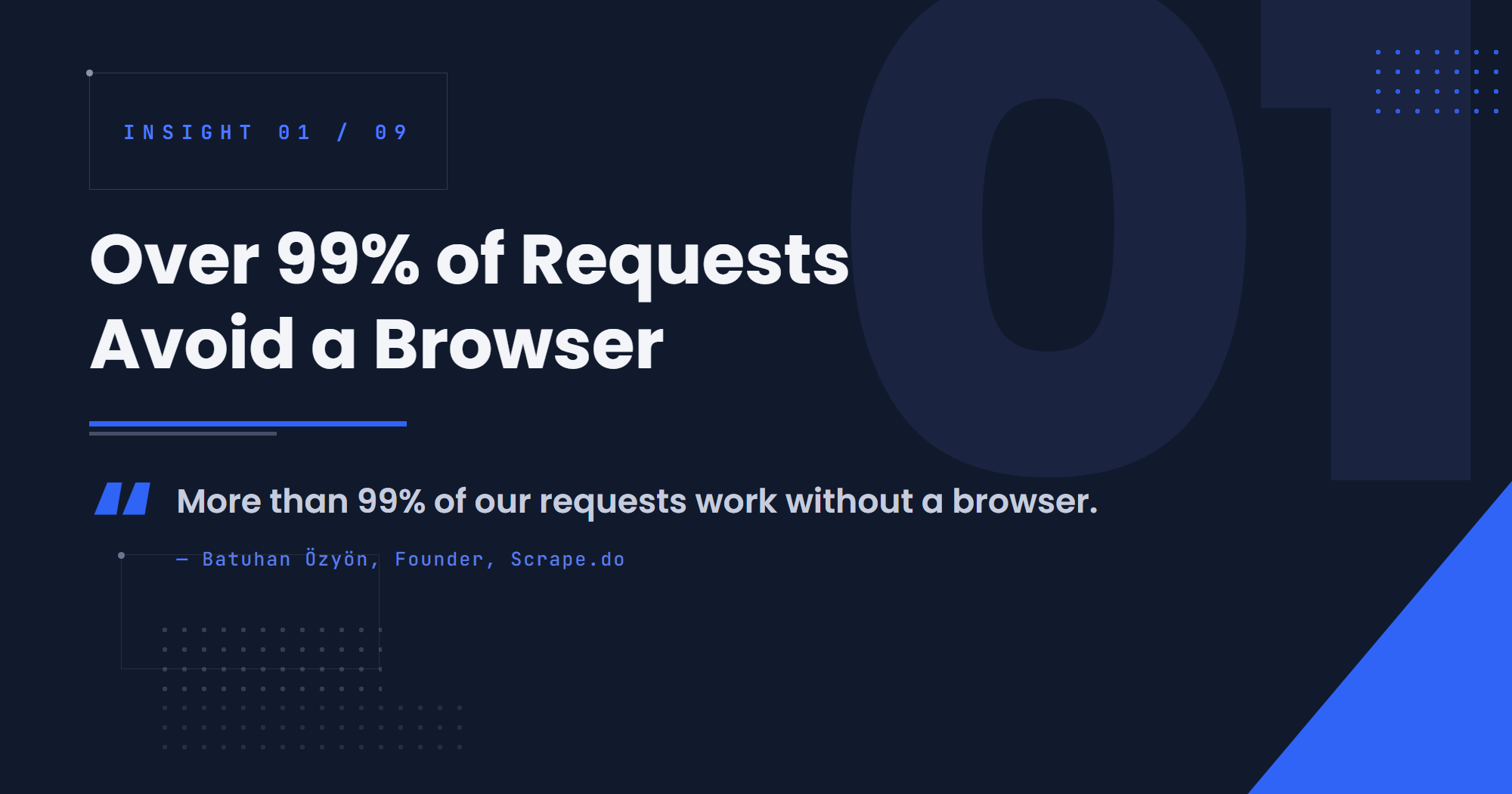
If I had to pick one technology that is genuinely difficult to replicate, it is this: more than 99% of our requests work without a browser.
It is worth being precise about what that number means. It describes Scrape.do's own traffic mix: the targets its customers send, and the techniques its team has built to serve them. It is not a claim that 99% of all websites can be scraped without a browser.
What it does show is how often the browser is optional even when the site itself is built for one. Batuhan added that the team can "reproduce capabilities that normally require browser rendering without actually running the browser."
The team sees the opposite habit among users. Asked which piece of infrastructure people reach for unnecessarily, the official Scrape.do account answered without hesitation:
A lot of users enable Scrape.do's
renderparameter for data they can already access with standard HTTP requests. Using a browser in those cases is a real waste of both proxy and CPU resources.
The same answer described the beginner instinct behind it: build a bot that behaves like a human, opening a category, clicking a product, reading the price, going back. Browsers make that approach feel natural. But a page that is assembled in a browser still gets its data from somewhere, often a backend request that can be called directly.
The team's advice was to understand how the website populates its content, then go to that source. That is usually cheaper for you and lighter on the site.
2. The Cheapest Bypass Can Become the Expensive One
Every scraping method has two costs. There is what each attempt consumes, and there is how reliably it keeps producing usable data at the volume you need.
The first is easy to see. The second only shows up later.
A small-business user asked what share of Scrape.do's traffic still works with a basic one-credit request. Raif's answer was higher than many developers might expect:
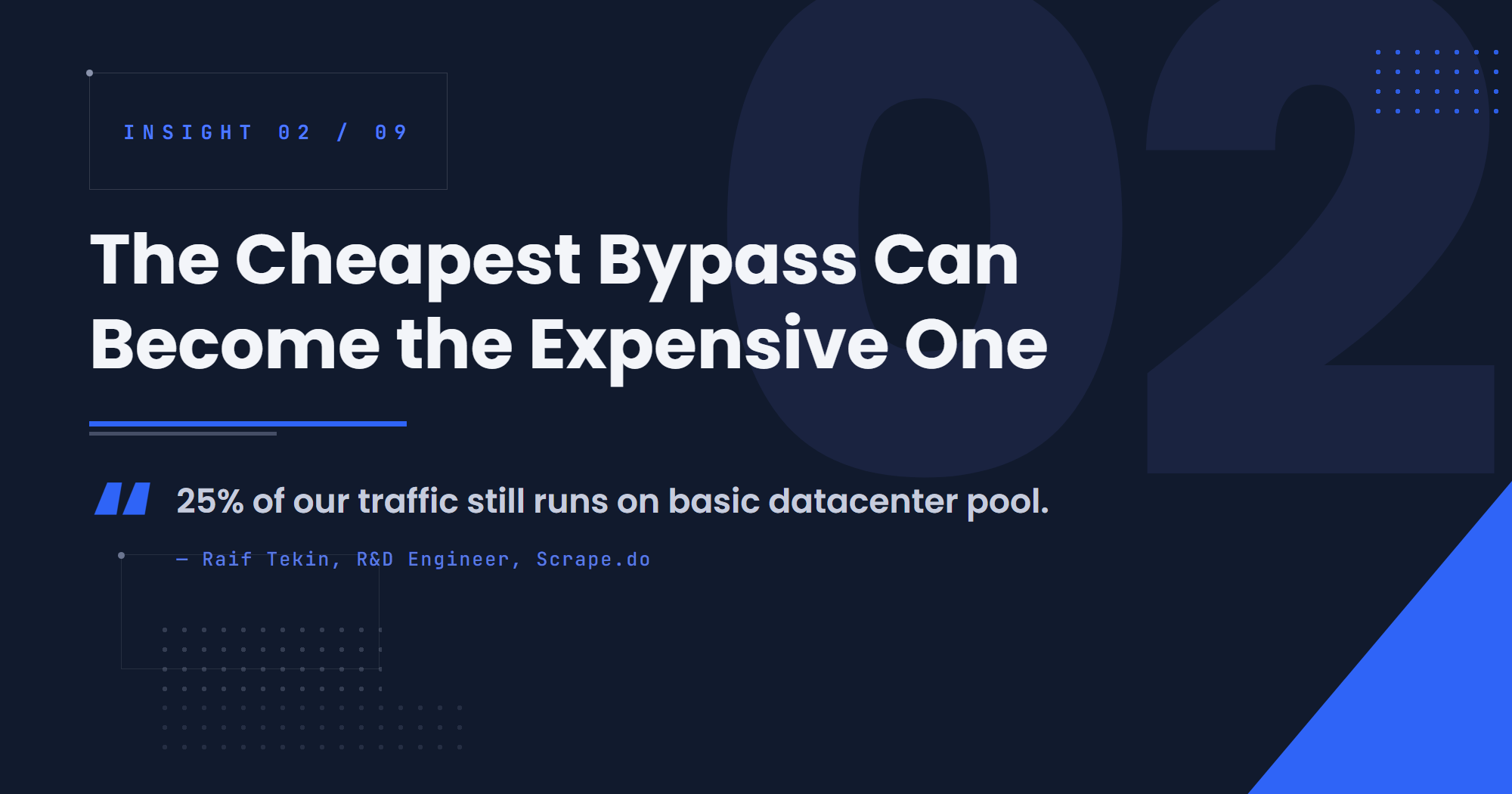
Roughly 25% of our total load still works with basic (datacenter) pool.
Note that this is a different axis from the 99% figure in the previous section. That number is about rendering. This one is about proxy tier. Plenty of browserless requests still need better proxies.
Raif also explained why the cheap tier does not stay cheap for every customer. Once a customer needs stable data, the team moves to better-quality proxies for long-term stability, partly so costs do not spike mid-contract. His example was Google Search, where tighter firewall rules raised infrastructure costs almost overnight.
He drew the same distinction for HTTP-only approaches. Some targets apply what he called soft rules, such as letting a request through when its HTTP client scores well enough for a given location:
It is by far the cheapest and fastest option available. However, these types of soft rules rarely hold up under heavy request volume or large-scale customer load.
The rest of his comparison is worth paraphrasing. A reverse-engineered HTTP signature is ideal for speed, but it tends to break when the site or WAF pushes backend updates, and each break means maintenance and an outage. A real browser costs more to run, but it can be more durable, because sites cannot afford to block the legitimate browser traffic it resembles.
None of this means you need a load-testing lab. The relevant threshold depends on your job. For a modest daily scrape, a simple route that reliably covers what you need may be the right answer indefinitely. For a large recurring feed, the fact that a cheap route worked on day one tells you very little about what it will cost by month three.
3. A Fresh IP Cannot Rescue an Implausible Session
When a scraper gets blocked, the usual first move is a new IP.
Scrape.do does not dismiss that. Batuhan was clear that "proxy quality is still extremely valuable" and that some targets still turn on IP reputation. But on the hardest sites, he described the IP as the starting point of an identity rather than the whole of it:
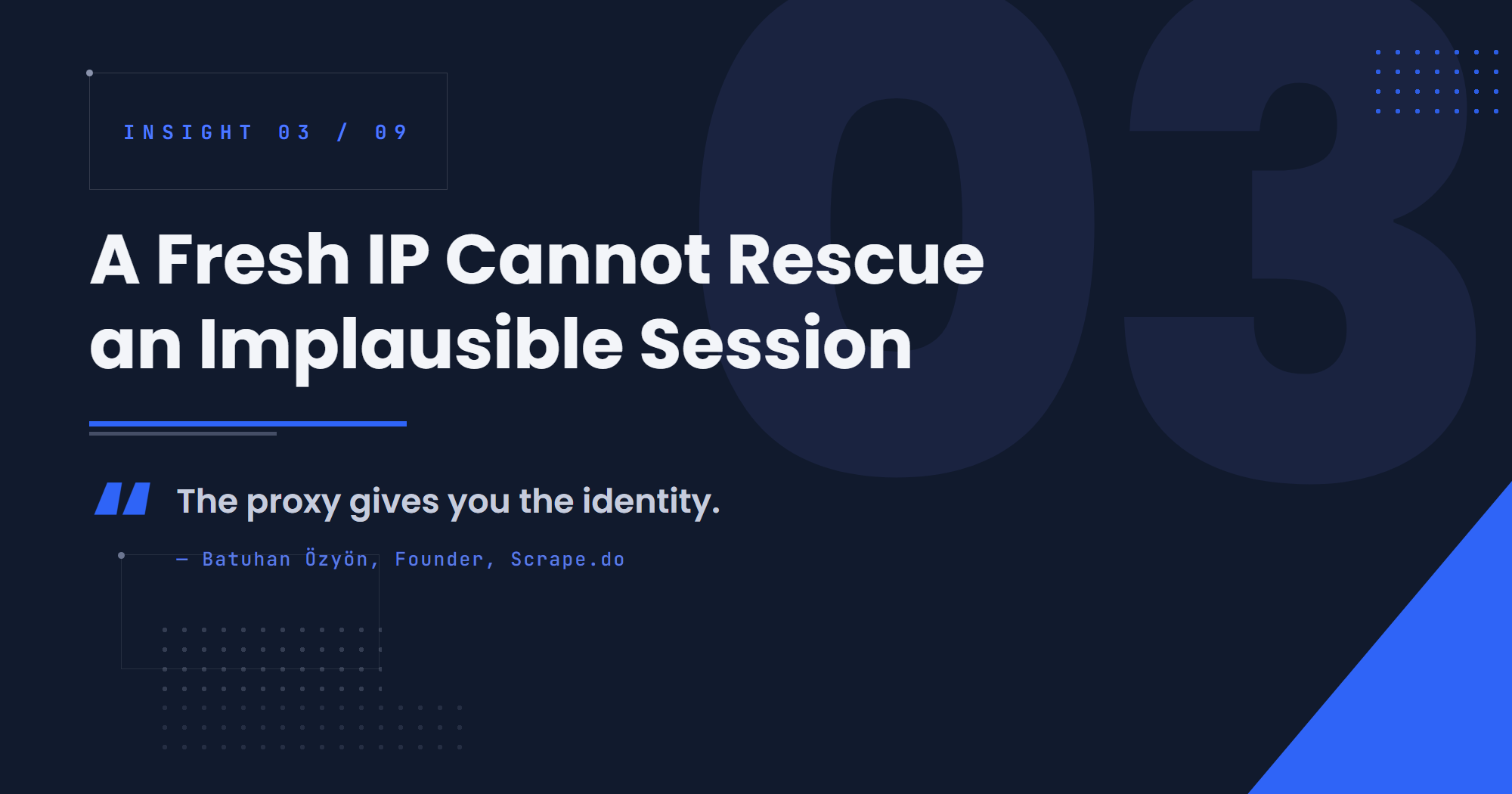
So I would put it this way: the proxy gives you the identity, but the browser fingerprint, cookies, session and behavior make that identity believable.
In the AMA, Ian asked whether the hardest part of scraping has moved away from independent, stateless requests and toward maintaining state across chains of requests. Batuhan's answer was direct: "I think the industry has clearly shifted toward session continuity." The hard part, he said, is "maintaining a healthy, consistent identity across a chain of requests."
That shift explains a pattern many developers recognize. A site accepts a single isolated request without complaint, then starts challenging a sequence of them. Rotating the IP does not help, because the problem is no longer where the requests come from. It is whether the sequence looks like one plausible visitor.
For some difficult targets, Scrape.do prepares sessions in advance. In plain terms, a prepared session is a visitor identity that has already browsed the site in a realistic way, collecting the cookies and history a real user would have, and is then kept ready for data requests. Batuhan said the hard part is getting "the right combination of IP, browser identity, cookies and session behavior that actually makes sense together."
Those sessions do not last forever, and the site tells you when one is spent:
If that session starts getting blocked or challenged, we know it has lost its value and can retire it.
Two cautions. Batuhan said this is useful "for some domains" and not all of them. And Raif added that session length should mirror real user behavior on the target: for quick lookup or price-check sites, short-lived sessions already look like normal human traffic, so there is no need to engineer long-lived ones.
4. There Is No "Cloudflare Bypass" That Solves Every Cloudflare Site
A redditor asked whether difficult websites are usually unlocked by one major breakthrough or by many small improvements. Derviş answered by describing what an engineer at Scrape.do actually does.
When a target needs a solution, an engineer reviews it manually. Often, he said, it is enough to open the target once and watch what a real user encounters while the page loads. The TLS, browser and session tooling comes in at that point, tuned for that specific site:
A real production solution looks like a configuration written by our engineers.
His example makes the point concrete. When an engineer sees that a target analyzes mouse movement, they enable Scrape.do's RealAction browser action to produce realistic movement. On a site that does not analyze mouse movement, they leave it out. The toolbox is shared. What gets switched on is decided by the site.
That is why ranking targets by WAF vendor alone misses so much. The vendor tells you which toolbox the site owner bought. It does not tell you which settings they turned on. Mert made the same point from the engineering side:
However, even when different websites use the same WAF provider, their configurations and parameters can be very different. So there isn't always a solution that can simply be copied from one domain to another.
Raif offered one lens for why configurations differ. In his view, protection settings also reflect how much each site owner is willing to risk blocking legitimate users. Blocking a real customer by mistake costs money, and not every business accepts that trade-off. That is his interpretation, not a rule you can use to predict any given site, but it explains why two sites behind the same vendor can behave so differently.
Batuhan added that on some of the hardest Cloudflare-protected sites they handle, consistency "comes less from a “Cloudflare bypass” and more from how realistic and stable the entire browser/request stack is."
5. A Browser Is Expensive to Run and Hard to Make Believable
The first two sections might seem to say browsers are a mistake. They do not.
Avoiding browsers most of the time does not make browsers unimportant. It means the minority of targets that genuinely require one can demand a lot of engineering.
One redditor admitted they used to think the main difference was basically "headless vs normal Chrome." Batuhan's answer suggested the gap runs much deeper than a flag. Scrape.do operates a separate process to bring Chromium closer to Chrome, because a vanilla Chromium environment is relatively easy to identify:
For difficult targets, we work at a much lower level. Changing fingerprints with JavaScript only gets you so far.
The goal, he said, is fingerprints and behavior "consistent with real Chrome." At that point, "the line between “configured Chromium” and “our own browser infrastructure” starts to disappear." The AMA did not reveal how those modifications work, and it would be a stretch to read more into it than that.
Then there is the cost of running browsers at all. Asked about the biggest operational problem, Batuhan did not hesitate:
The biggest challenge is CPU cost.
CPU is one of the largest items on Scrape.do's cloud bill, he said, and more of it buys better latency, stability and isolation between browser contexts. In another answer, he called browser-based scraping the technique where "a few requests can work perfectly" before CPU costs, concurrency, session isolation, fingerprint consistency, crashes and latency show up at scale.
That is the trap for smaller teams. A browser that works on your laptop for twenty pages says little about what it takes to run it reliably for twenty thousand.
6. Scale Only Helps When You Can Learn From Failure
It is tempting to assume that sending billions of requests must teach you how to get past any site. More traffic, more data, better bypasses.
A redditor asked exactly that: is Scrape.do solving each request independently, or learning from the aggregate results of millions of them? Batuhan described a learning system. The team says it tracks each domain's behavior continuously, tests combinations of techniques, filters out the ones that fail and routes traffic through whatever infrastructure and locations work best. He described an internal machine learning system trained around nearly 10,000 different techniques. That is the team's own description, not a measure of effectiveness we can verify.
The more interesting part of his answer was the caveat:
So I would not say that aggregate traffic volume directly translates into better anti-bot bypass strategies in every case.
His reasoning was that sites behave very differently. You can send billions of requests to one site without ever seeing a particular issue, while another site starts blocking after a few hundred. Traffic distribution, request patterns, infrastructure and how requests mix with normal user traffic all change the outcome. Volume can leave a blind spot.
What helps, he said, is what you capture from that volume:
The value comes more from the telemetry and outcomes we collect, combined with the ability to test and apply our reverse-engineering methods quickly.
The same idea shows up in how the team handles a failing target. Batuhan said they do not start by "changing random things and hoping something works." They reproduce the request, establish a baseline, find where it stops looking like a legitimate session and change one variable at a time. Raif put it more bluntly: the team does not "randomly rotate proxies until something works" by trial and error, it actively analyzes the drop-offs and tunes the pipeline.
You do not need a machine learning system to borrow the principle. A thousand retries that record nothing teach you less than ten attempts where you know what changed.
7. The Fix May Be Unique. The Clue Often Isn't.
If every target needs its own configuration, what does experience across thousands of sites actually buy you?
A redditor asked Scrape.do precisely that: when several unrelated sites show the same failure pattern, can what you learned on one be applied to another? Mert's answer separated two kinds of knowledge.
The first transfers well. When multiple domains show similar changes in success rates, response codes, latency or CAPTCHA behavior, experience with one target can help the team diagnose another much faster. The second often does not: the final configuration, which may still need to be specific to the website.
In practice, we reuse the knowledge and techniques we've gained across billions of requests, but we still analyze each domain individually and apply a domain-specific solution when necessary.
The previous section was about a system that learns from request outcomes. This one is about what kind of knowledge survives the jump between sites. It is less a catalog of bypasses than a library of symptoms and the likely causes behind them.
That is useful even at small scale. If you have seen a failure pattern before on another site, you already have a head start. You just do not have a guarantee.
8. A 200 Can Hide Missing Data
Most scrapers measure success with two checks: did the request return 200, and did the parser run without errors?
A redditor asked whether sites are moving toward "soft blocks": quietly degraded pages instead of CAPTCHAs or 403s. Batuhan said yes, and that the obvious blocks are not the problem:
A full block or a JavaScript challenge is actually quite easy for us to detect. The harder cases are when the response looks successful but the content is quietly degraded.
His example was specific. A page returns five records instead of ten. Some links disappear. The site serves a slightly different version of the page. The status code is fine and the parser still runs, so nothing flags the problem. He was candid that Scrape.do does not always catch this automatically at first:
For example, if a page returns 5 records instead of 10, some links disappear, or the site returns a slightly different version of the page, our automated checks might not always catch it immediately.
Those cases move to manual investigation, where the team compares response size, headers, content and other signals. Batuhan said they are usually quick to fix once understood. He also said the team is building newer AI-based response validation, sending raw responses through a small language model to check whether the content looks valid. That is described as work in progress, not a solved capability.
Distinguishing degradation from legitimate variation is harder than it sounds. Selman described how the team monitors Google SERPs by running query sets on different devices across different countries and comparing output. A field that disappears in one country on one device might be a problem. It might also be Google testing a change before a wider rollout.
Not every incomplete response is a deliberate anti-bot tactic, either. A site experiment, a layout change or a broken parser can produce the same short dataset. The thread does not suggest otherwise. But all of them damage your data in the same quiet way.
9. The Hardest Part Starts After the First Successful Request
Every section so far has described something that changes: site configurations, cheap routes, sessions, browsers, and the content itself. The last insight is about the work of noticing and repairing those changes over time.
A redditor asked what Scrape.do's triage process looks like when a customer says their scraper stopped working. Batuhan reframed the question. The team says it monitors customer traffic in the background, with automated systems and people checking accounts daily, and tries to start investigating before the customer notices:
So if someone has to come to us and say “my scraper stopped working”, we actually see that as a failure on our side.
That is a high bar, and it is a claim about the team's intent rather than something the AMA can verify. But it points to what a customer is really buying from a scraping provider: not only access to a site, but someone watching for when that access degrades.
Asked what a competitor would still be missing with the same proxies, browsers and CAPTCHA solvers, Batuhan said that even open-sourcing all of Scrape.do's infrastructure and code would not make it easy to operate reliably at scale. "While you are sleeping, the people maintaining a firewall can change their detection, and suddenly your traffic starts getting blocked." What cannot be copied is the loop:
I'd say the real moat is the feedback loop. Traffic generates signals, our internal tools turn those signals into information, engineers turn that information into changes, and those changes go back into the system.
For a two-site scraper, you do not need a version of that loop. For occasional collection, maintaining your own scraper may be simple: when it breaks, you notice and fix it.
The calculation changes when the data feeds something business-critical on a target that changes often. Then the questions become who notices first, how quickly, and who fixes it. The answer may matter more than who got the first request through.
Conclusion: The Simplest Reliable Route Is a Moving Target
Go back to the API call from the start. One URL in, one page out.
Behind it sits a series of judgments. Whether a browser is actually needed. Which route stays economical at the volume required. Whether the session is still healthy. Whether the content is complete. And whether yesterday's configuration still works today.
You do not need Scrape.do's scale to make those judgments well on a handful of targets. What its scale does is make the priorities easier to see. Use the simplest method that reliably produces the right data. Understand the particular site in front of you. And pay attention to how a working scrape fails over time, because it eventually will.
As Batuhan summarized:
We need to understand why it succeeds, make it reliable at scale, and keep it working when the target changes
Next time a scraper works on the first try, take a minute to note why it worked and what "working" should look like in the data. That is the baseline you will want when it stops.